Wallet
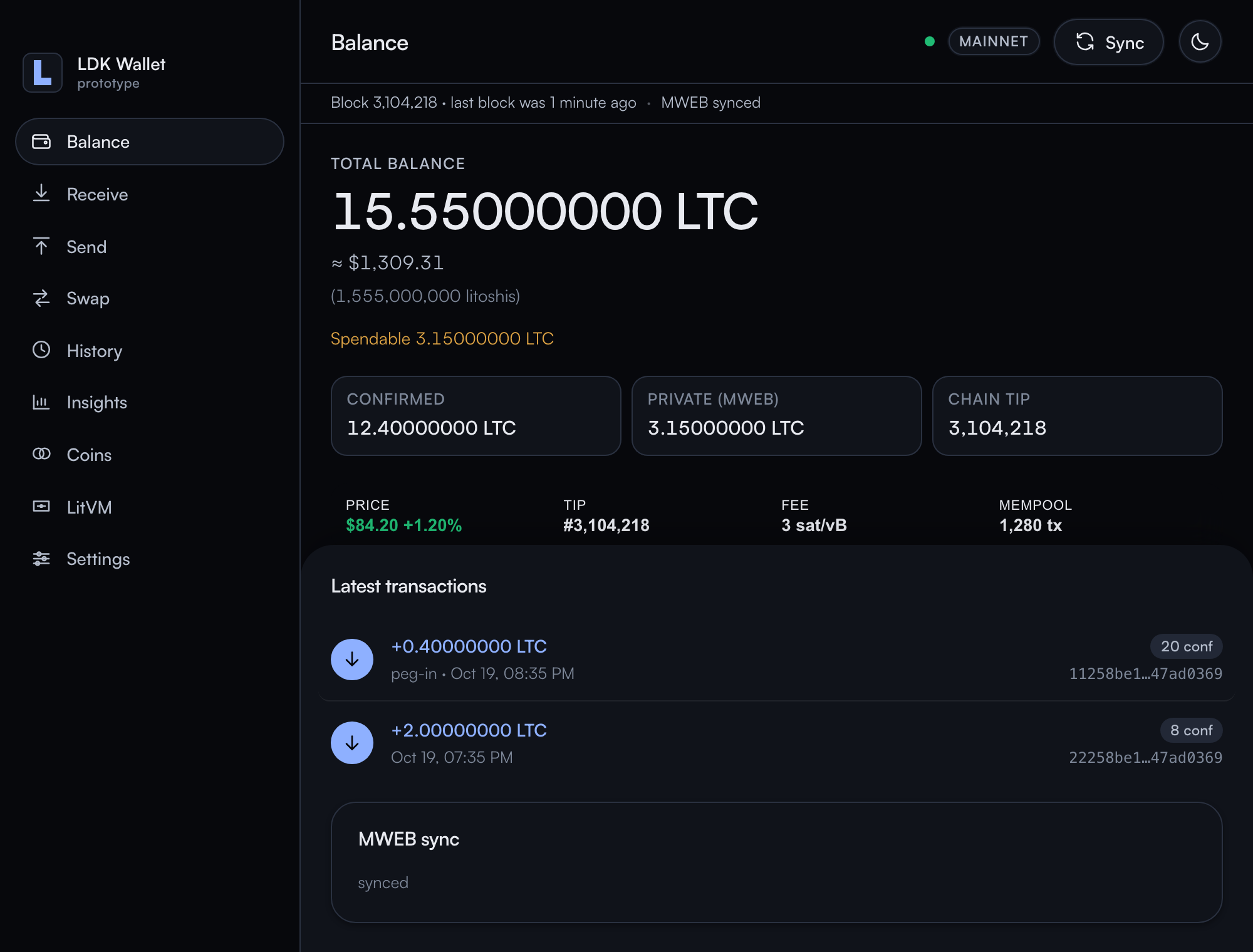
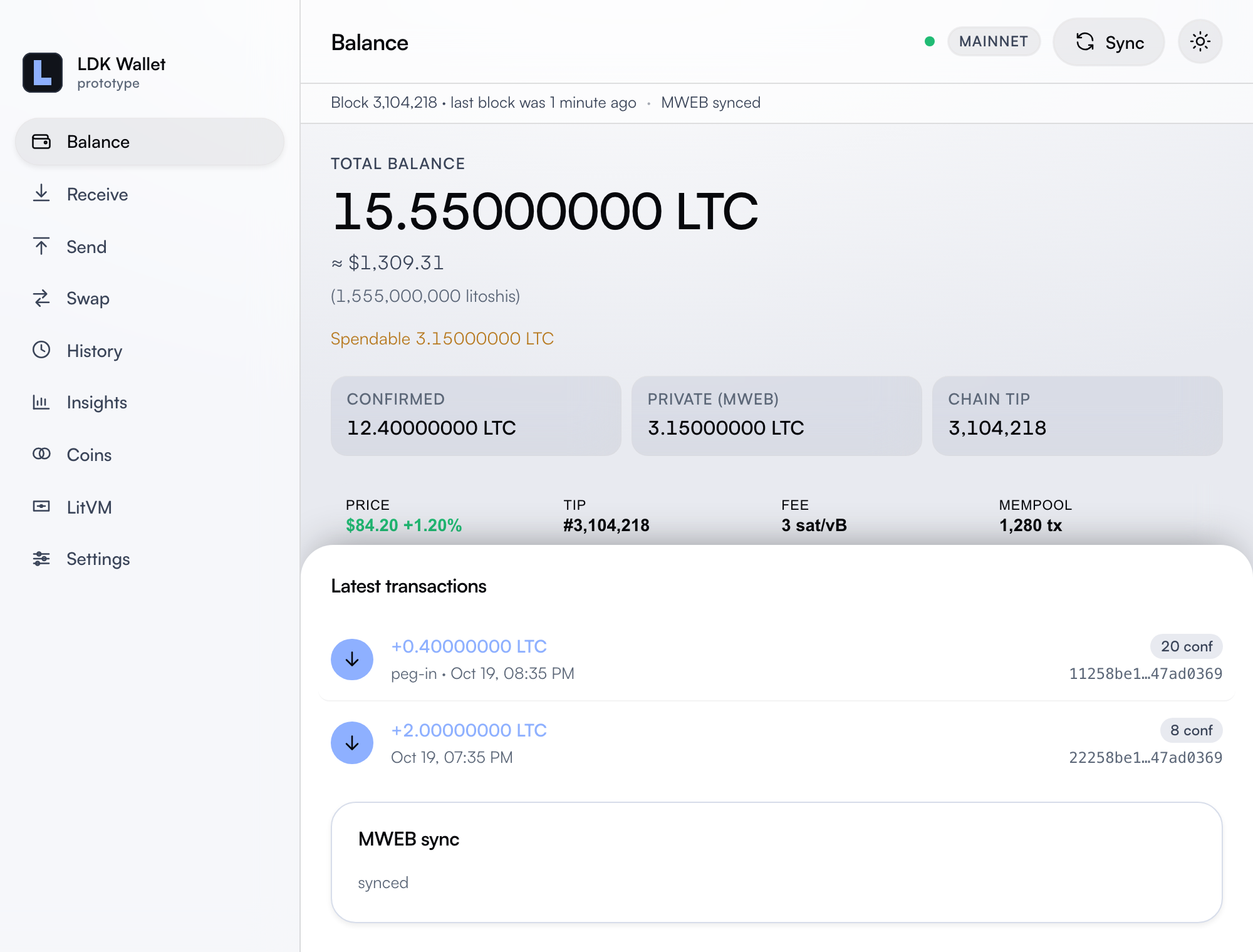
The native desktop wallet is a Tauri application on the Litecoin BDK fork. Current release: v0.4.13. Builds are published from LitecoinDevKit/ldk-wallet.
Downloads
Release files are attached to GitHub Releases. Each platform job also attaches a SHA256SUMS-<platform>.txt file. How to check a download, and how to go further than a checksum, is in VERIFYING.md.
macOS Apple Silicon
LDK.Wallet_0.4.13_aarch64.dmg. There is no Intel Mac build.Download .dmg (opens in a new tab)
Linux x86_64
Prefer the
.AppImage. A.debis on the same release. There is no ARM Linux build.Download .AppImage (opens in a new tab)
Windows x64
LDK.Wallet_0.4.13_x64-setup.exe. Per-user install. It does not ask for an administrator.Download installer (opens in a new tab)
Other platforms
There is no Intel Mac or ARM Linux build. Those platforms can build from the wallet repository.
Build from source (opens in a new tab)
Running the Linux AppImage
Browsers leave the downloaded AppImage non-executable. Set the execute bit in Terminal, or use the file manager Properties dialog and allow executing as a program. The .deb installs normally; no chmod needed.
- Open Terminal, paste this command (adjust the path if your download folder differs), and press Return:
- Double-click the AppImage, or run it from the same directory.
Unsigned macOS builds
Builds are unsigned unless Apple signing secrets were configured for that release. Gatekeeper may say the app is damaged. It is not.
- Drag the app to Applications.
- Open Terminal, paste this command, and press Return:
- Launch it normally.
Signed and notarized releases, when they exist, are called out in the release notes. VERIFYING.md covers checksums, build provenance, and the difference between a signed app and an unsigned one.
Unsigned Windows installer
The installer is per-user and does not ask for an administrator. It is unsigned, so SmartScreen says Windows protected your PC. Wallet files go in %APPDATA%\com.indigonakamoto.ltc-wallet\.
- Download SHA256SUMS-windows-x86_64.txt (opens in a new tab) from the same release. Its installer line is labeled
LDK Wallet_0.4.13_x64-setup.exe. The file GitHub gives you isLDK.Wallet_0.4.13_x64-setup.exe. In PowerShell, print the hash of that download (adjust the path if your download folder differs) and compare the hash: - When the hashes match, open the installer, choose More info, then Run anyway.