A new wallet is created on mainnet. Restore accepts a 12- or 24-word BIP39 phrase, a Nexus aezeed phrase, or a root extended private key (xprv, zprv, or Ltpv). The passphrase encrypts that secret on this machine. A three-word quiz confirms the written backup before the new wallet opens.
Restore from backup
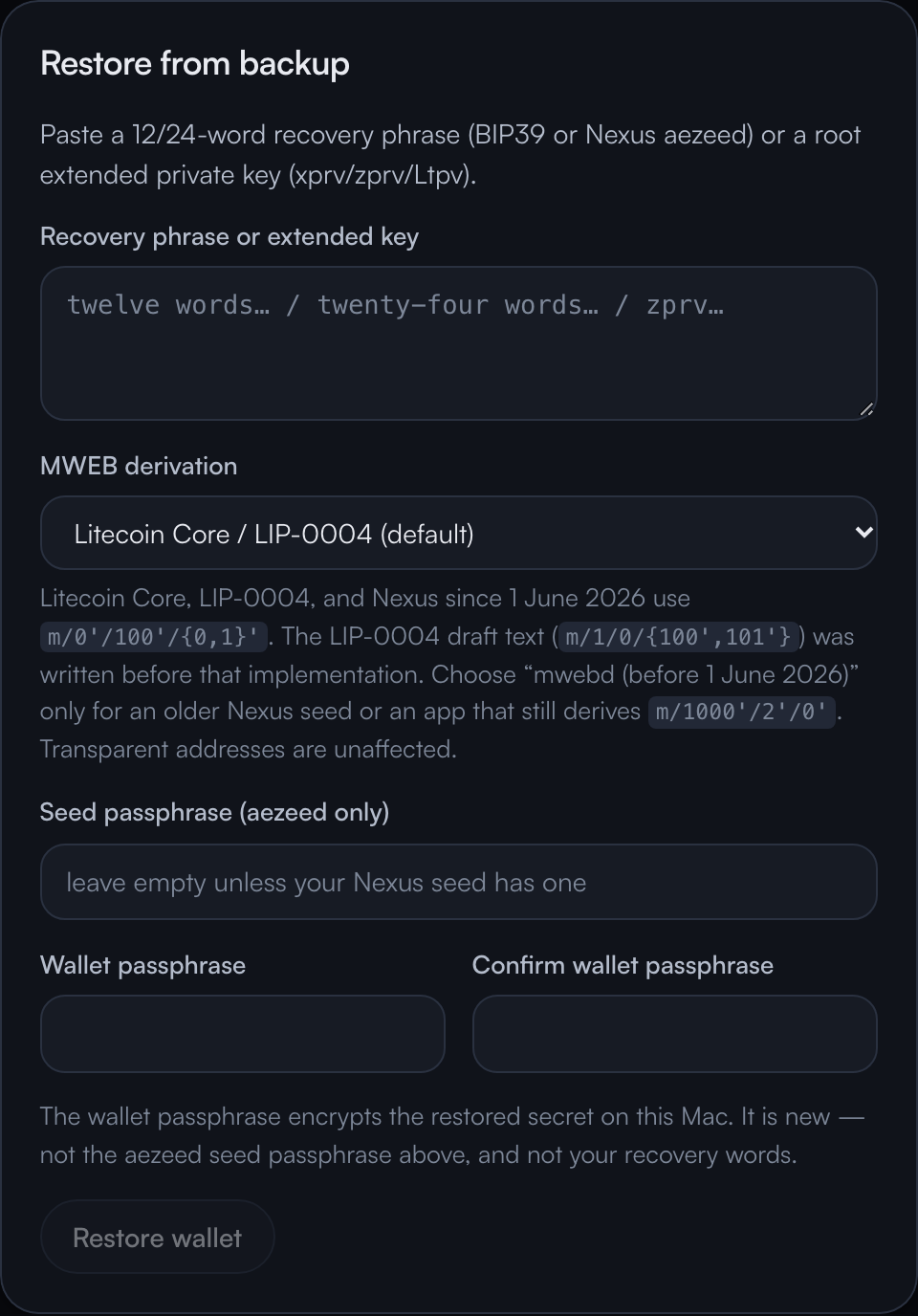
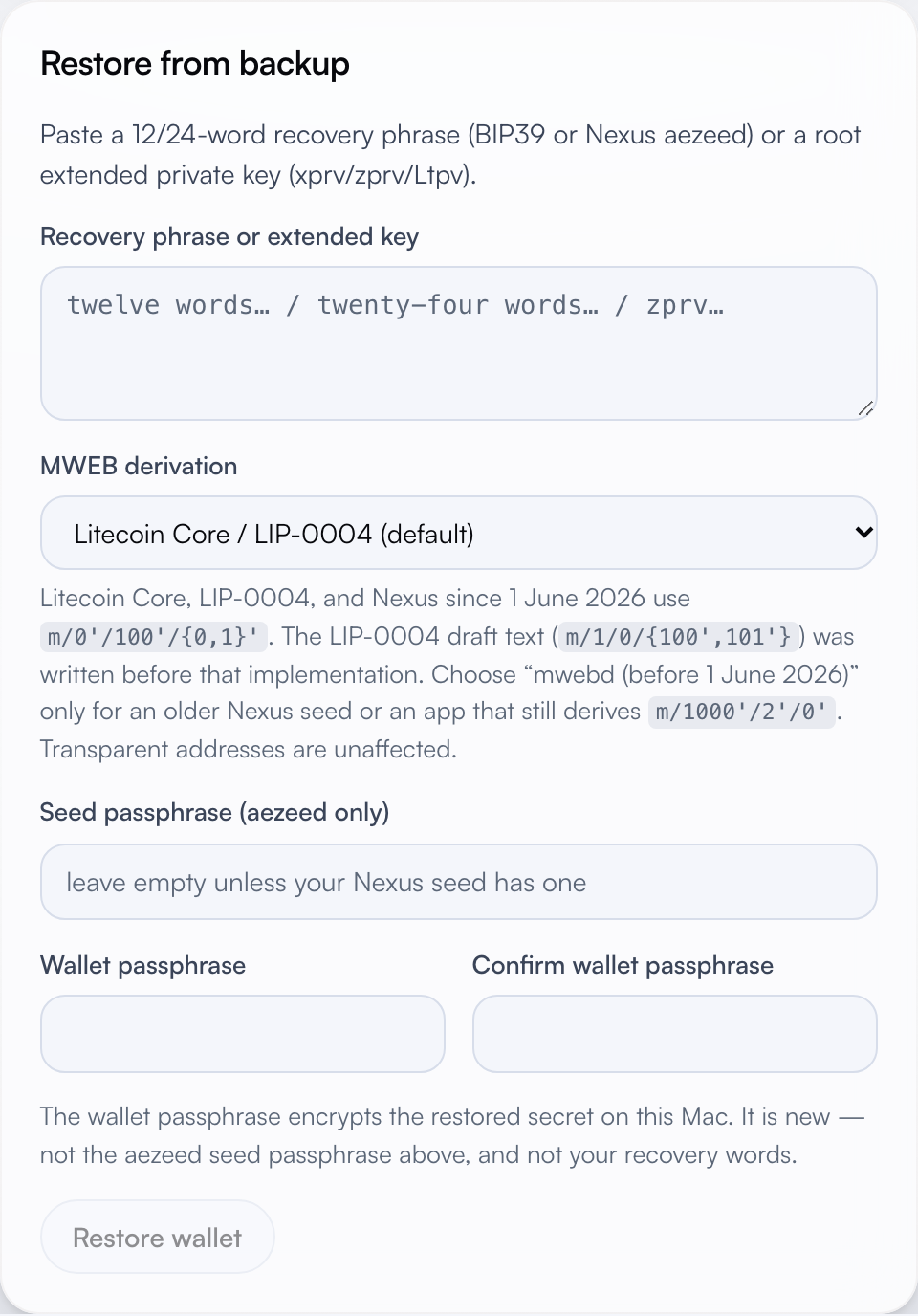
The card is titled “Restore from backup.” The secret field takes the phrase or the extended key. MWEB derivation chooses where the wallet looks for Privacy coins. The default is Litecoin Core / LIP-0004. LIP-0004 follows the implemented Core path, m/0'/100'/{0,1}'. The LIP-0004 draft still writes m/1/0/{100',101'}, which predates that implementation. Nexus since 1 June 2026 uses the same path. The other choice, “mwebd (before 1 June 2026),” is m/1000'/2'/0'/{0,1}', for an older Nexus seed or an app that still derives that branch. Transparent addresses stay on the same BIP84 path for either choice. A Nexus seed that was created with a cipher-seed passphrase has its own field. The wallet passphrase under that is a new secret. It encrypts the restored phrase on this computer, and it is separate from the aezeed passphrase and from the recovery words.
Creating a wallet stays disabled while that secret field has text. Clear the field to create a fresh wallet.
A new wallet
Create asks for a passphrase of at least eight characters, entered twice, with a strength meter as you type. After create, the words appear in a numbered grid. The next step asks for three of those words, tapped into the matching slots. Continue stays disabled until those slots match the phrase. “Show phrase again” returns to the grid in the same session. The phrase is cleared from the page after the quiz succeeds.
Settings can show the phrase again later. That view asks for the wallet passphrase first. Anyone with the words can spend the funds. When the secret is an aezeed that was stored with a cipher-seed passphrase, that passphrase is shown with the words.
Unlock and lock
The mnemonic file is encrypted with Argon2id and ChaCha20-Poly1305 and stored outside the wallet database, mode 0600. An older plaintext file is encrypted on the next unlock. Locking clears the decrypted mnemonic from memory. Auto-lock does that after a number of idle minutes. Zero turns auto-lock off.
A forgotten passphrase is recovered by resetting local wallet data and restoring from the written phrase. Reset asks you to type DELETE WALLET. Contacts, coin labels, transaction notes, and frozen coins live in a separate metadata file. Export that file before a reset. Coin control describes what the file holds.
Recovery and unlock ship in the v0.4.13 prototype. Like the rest of this wallet, they have not been independently audited.