One recovery phrase can back several wallets on this computer. Each wallet is its own BIP84 account under that phrase, with its own addresses, Privacy keys, LitVM account, history, and coin labels. A tip jar and a savings wallet can sit side by side without sharing addresses. They still share one backup. Anyone holding the phrase can spend from every wallet it backs.
One phrase, separate accounts
A new or restored wallet starts as wallet 0, named “Personal.” Wallet 0 uses the same paths as earlier builds: m/84'/2'/0' for Transparent on mainnet, m/0'/100'/{0,1}' for Privacy on the Litecoin Core / LIP-0004 scheme, and m/44'/60'/0'/0/0 for LitVM. A wallet you add gets the next account index and moves every one of those paths with it. Wallet 1 is m/84'/2'/1', m/1'/100'/{0,1}', and m/44'/60'/1'/0/0. The older mwebd scheme moves the same way, to m/1000'/2'/1'/{0,1}'.
Separate paths mean separate state. Each wallet keeps its own database, Privacy coin store, LitVM settings, contacts, transaction notes, coin labels, frozen coins, and self-spend job on disk. Nothing in one wallet’s history or coin list leaks into another’s screens. The hero balance belongs to the wallet that is open. There is no combined balance across wallets.
Isolation here is for privacy and bookkeeping. It is not custody separation. A single passphrase unlocks the phrase for every wallet, and locking, or auto-lock, closes all of them. When two balances must not share the same failure, they belong under different phrases. This release does not offer that.
The wallet switcher
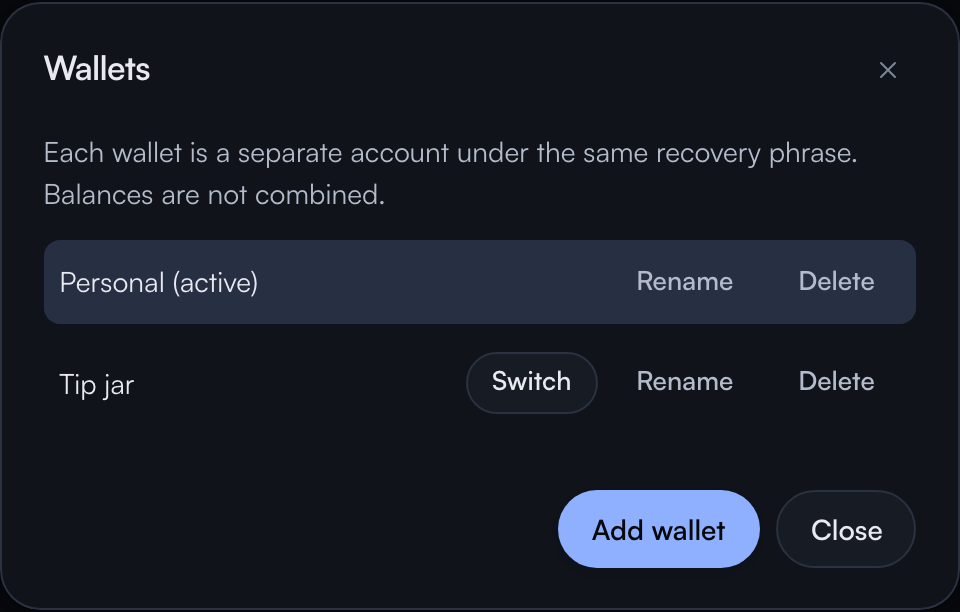
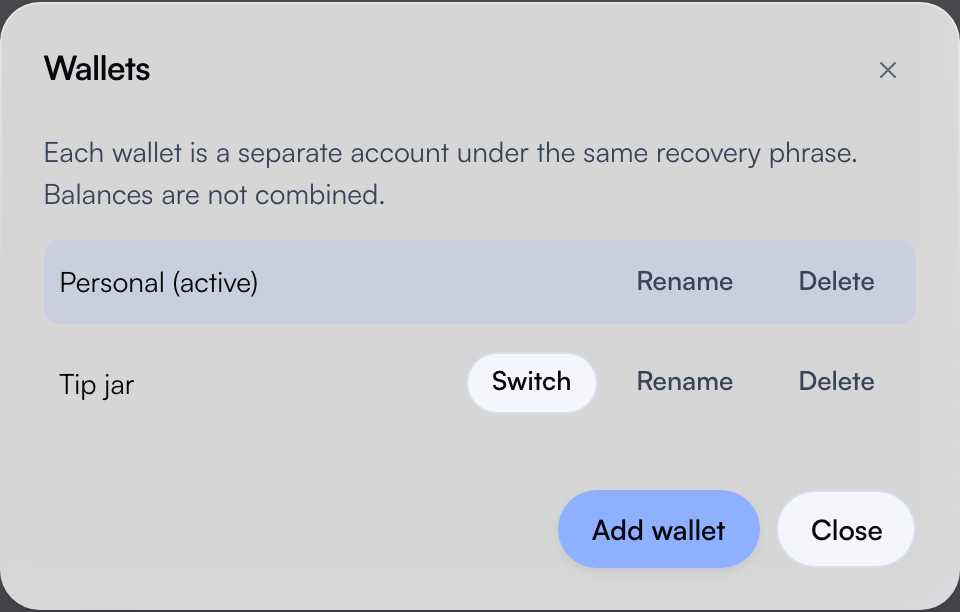
The open wallet’s name sits in the top bar, next to the sync dot. Clicking it opens Wallets: the list on this device, with Rename and Delete on each row, Switch on every wallet but the open one, and Add wallet at the bottom. Delete is hidden while only one wallet exists.
Add wallet asks for a name and suggests “Tip jar.” The new wallet takes the lowest unused account index, copies connection, display, and MWEB derivation settings from the wallet that was open, switches to it, and runs a full scan. Switching between wallets drops the open wallet from memory and loads the other one. While the app is unlocked, a switch does not ask for the passphrase again.
Transfer a coin to another wallet
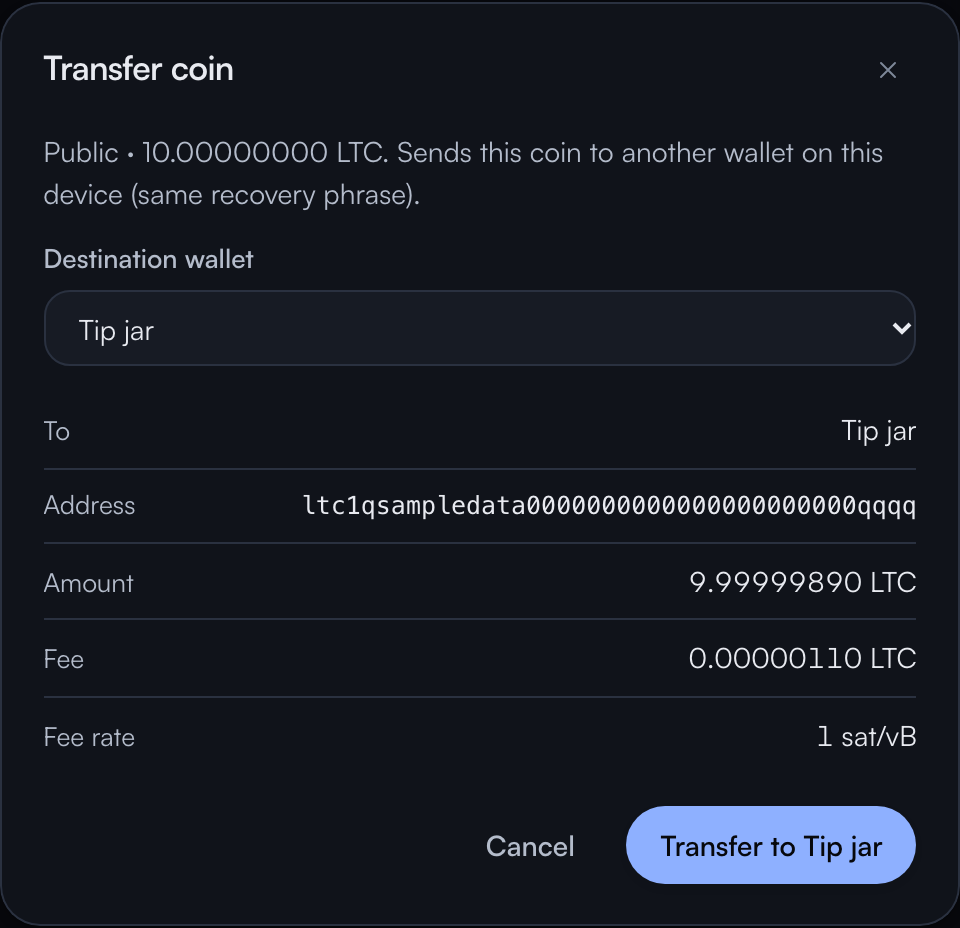
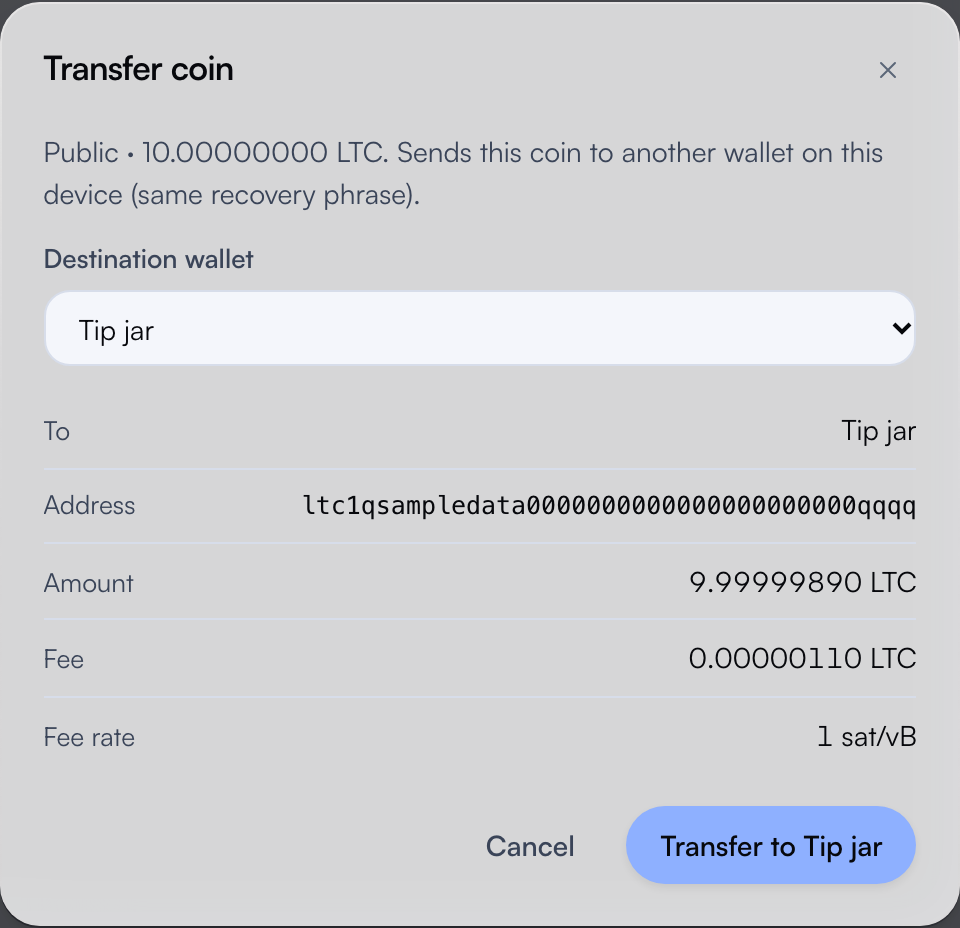
On Coins, a coin’s menu has Transfer to…. It moves that one coin to another wallet on this device, on the same side it already sits. A Public coin goes to a fresh ltc1 receive address in the destination wallet. A Private coin goes to the destination’s ltcmweb1 stealth address. A transfer never pegs in or out. Moving funds between Transparent and Privacy is still Swap.
The sheet is titled “Transfer coin.” Pick the destination wallet, and the wallet previews the transfer: the destination name, the address it will pay, the amount, and the fee. The whole coin is spent, so the fee comes out of it. A Public transfer uses the fee rate picked on the Send card, or 1 sat/vB when none is picked. A Private transfer uses the private network fee, calculated automatically. The destination address is read from the other wallet without opening it. The wallet you started in stays open after the broadcast.
Transfer to… is disabled for a frozen coin, a coin that is not confirmed yet, a Privacy coin that is still maturing, and a Privacy coin held by a self-spend job. It is also disabled until a second wallet exists. While a transfer broadcasts, that coin’s row shows a Broadcasting pill instead of a full-screen wait. A Privacy send marks its coins the same way.
A Public transfer is an ordinary Transparent transaction. On chain it reads like a payment from one address to another, and it connects the two wallets the way any payment between them would. A Private transfer is a Privacy spend, so it is not listed on a public explorer the way a Transparent transaction is. When the point of a second wallet is to keep two sets of coins apart, move them on the Private side.
Restore, delete, and reset
Restore brings back wallet 0 only. The wallet does not search the phrase for other accounts that were used. Add the wallets again yourself. Each add takes the lowest unused index and scans it in full, so adding them in the original order returns the same accounts with their coins. Wallet names are stored on this computer. They are not part of the phrase.
Delete removes one wallet’s local data and refuses to remove the last one. The coins are not destroyed. The recovery phrase still derives that account, and the next Add wallet reuses the freed index, so the same addresses come back after a scan. Labels, contacts, and frozen coins for that wallet are gone unless you exported them. The metadata export covers the wallet that is open, so export each wallet you want to keep notes for.
Reset is still “erase this device.” Typing DELETE WALLET removes every wallet, the shared phrase, and all cached chain data. Recovery and unlock covers that path.
Wallets other than wallet 0 live at account indices that many apps never look at. Restoring the same phrase in another wallet app usually shows wallet 0 alone. Coins in the other wallets appear only in software that derives those indices.
Several wallets under one phrase ship in the v0.4.14 prototype. Like the rest of this wallet, they have not been independently audited. Separate phrases per wallet, hardware wallets, and an automatic scan for used accounts are not part of this release.